Skip to content

Channel Deployment

Open the relevant record

Open the saved distribution program and channel. Check its partner identity, source vault, split, wrapper, and current blocked or active state.

Channel Deployment

Review the saved manager, approved partner wallet, payout recipient, split, wrapper identity, and share class. Use the deployment path allowed for the current owner or approved partner. A recipient assignment does not grant deployment authority.

Controls for this task
Minimum split bps
Enter 0–100% in the percentage control; the protocol stores basis points internally.
Sets minimum partner split.
Partner manager
Choose indexed partner manager.
Sets manager for application and wrapper deployment.
Partner wallet
Enter approved partner wallet.
Sets partner address for wrapper deployment.
Payout recipient
Enter payout recipient address.
Sets fee payout destination.
Split bps
Enter 0–100% in the percentage control; the protocol stores basis points internally.
Sets channel split.
Wrapper name
Enter ERC20 wrapper display name.
Sets wrapper identity metadata.
Wrapper symbol
Enter ERC20 wrapper symbol.
Sets wrapper token symbol.
Share class
Choose wrapper share class.
Sets source share class for wrapper route.
Owner Deploy Wrapper
Click from asset-manager context after entering wrapper fields.
Approves and deploys partner wrapper.
Partner Deploy Wrapper
Click from approved partner wallet.
Deploys approved partner wrapper.
Vault
Choose source vault.
Sets which vault receives or uses the partner manager.
Minimum split bps
Enter 0–100% in the percentage control; the protocol stores basis points internally.
Sets minimum partner split.
Partner wrapper
Choose indexed wrapper.
Sets wrapper for deposit, redemption, and fee actions.
Asset address
Enter asset address, or leave blank to use selected vault asset.
Overrides asset used by wrapper deposit where supported.
Amount
Enter deposit or redemption amount.
Sets wrapper deposit or redemption amount.
Receiver / recipient
Enter receiver/recipient, or leave blank for connected wallet.
Sets destination for wrapper deposit/redeem or fee claims.
Partner manager
Choose indexed partner manager.
Sets manager for application and wrapper deployment.
Application metadata
Enter application metadata.
Stores application context.
Partner wallet
Enter approved partner wallet.
Sets partner address for wrapper deployment.
Payout recipient
Enter payout recipient address.
Sets fee payout destination.
Channel Deployment: product controls for the selected task.
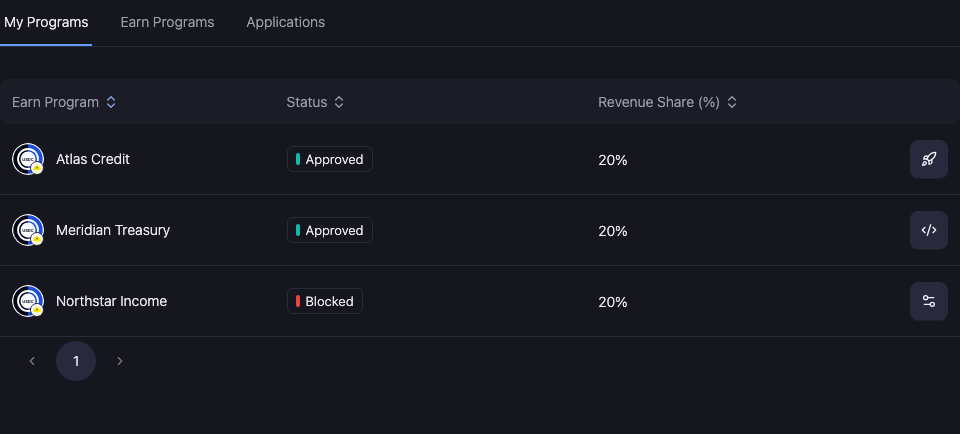
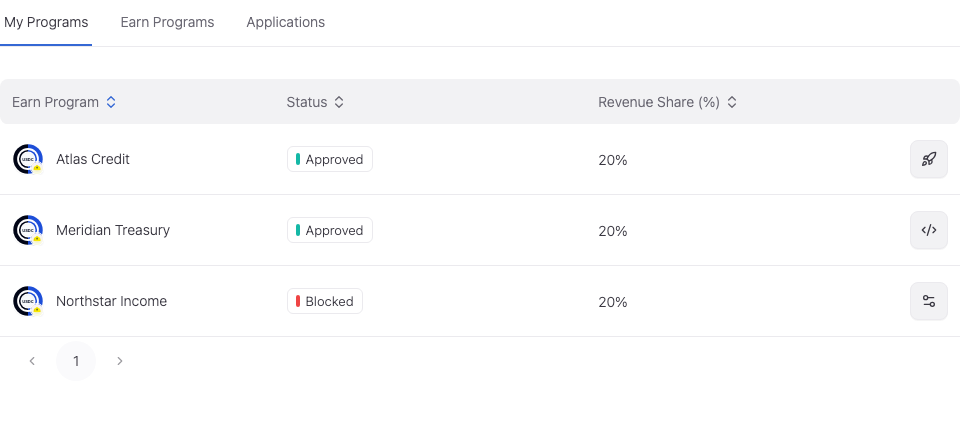
Channel Deployment: selected product record · Product interface with sample records. Select the image to open it at full size.

Complete and verify

For a change, review the active inputs, selected object, recipient where relevant, and required authority. Complete the supported approval or signing action, then reopen the saved record and reload.

For a read-only review, check current freshness and the relevant accepted or completed state. An unavailable value is not zero; a pending operation is not a completed change.

Continue with the workspace guide or troubleshooting.