
 Documentation
Allocation Capacity
Open Allocation Capacity
Open the saved vault, select Credit Facilities, open the facility, and choose Allocation Capacity. Confirm the selected vault and both asset identities.
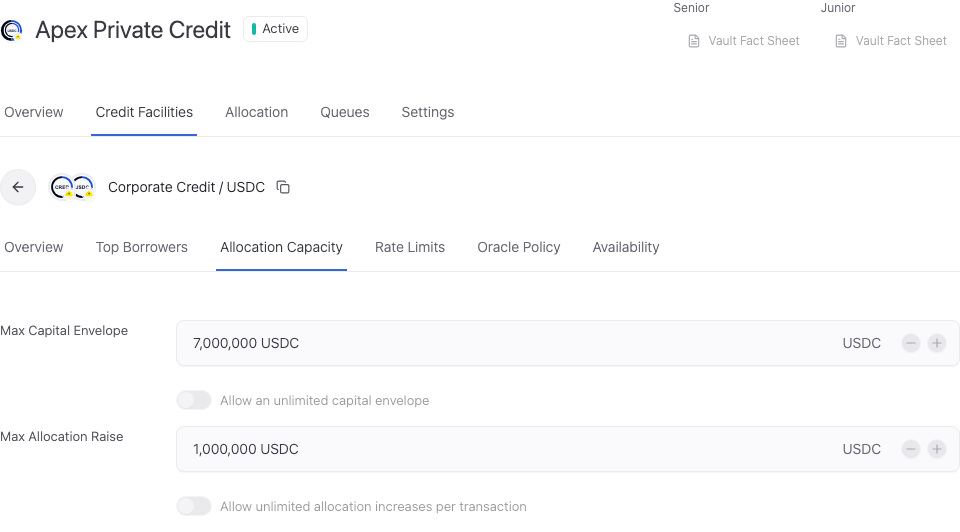
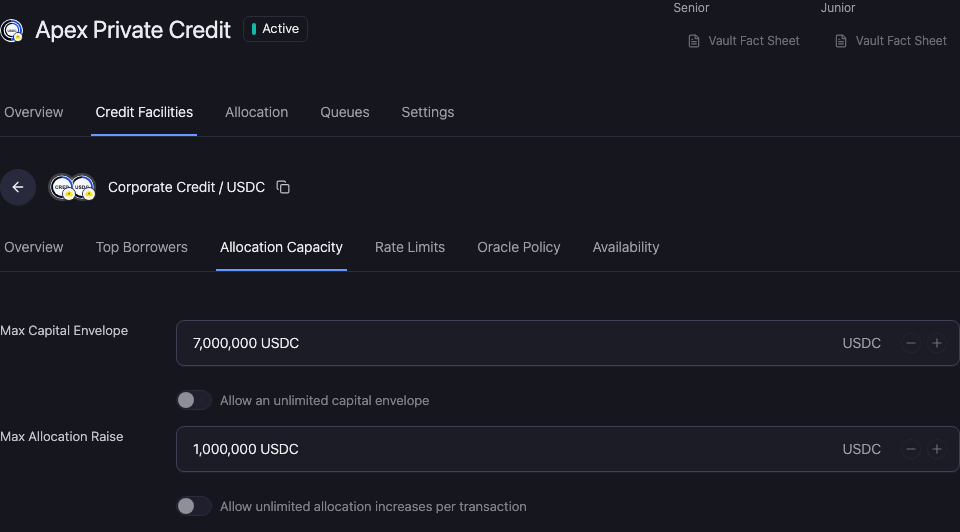
Set the capital envelope
Max Capital Envelope limits capital reserved for this vault-market relationship. Enter an amount in the vault's loan asset, or select Unlimited where that choice is permitted.
Unlimited removes this particular ceiling. It does not override vault liquidity, market approval, other caps, or your authority.
Limit one allocation increase
Max Allocation Increase Per Transaction caps one increase in reserved capital. This is separate from the total capital envelope and the borrower draw limit.
Use the asset symbol shown in the control. Do not enter a percentage or a raw smallest-unit amount into an asset-denominated field.
Check the effect
Compare the new envelope with existing reserved capital and the proposed allocation. A smaller limit does not itself move capital out of the facility; use an authorized deallocation workflow where required.
Review and verify the change
Open Workspace Update and check the vault, selected facility, changed values, and signing wallet. Metadata-only updates and updates that include an onchain write have different execution steps.
Complete the required approval or wallet action. Wait for the saved value to appear, reopen the same record, and reload. A wallet confirmation alone does not establish the final saved state.
If the saved value has not updated, check the operation status and freshness before resubmitting. Keep the original transaction or request reference to avoid duplicating a pending action.