
 Documentation
Oracle Policy
Open Oracle Policy
Open the vault's facility and choose Oracle Policy. Check which oracle is selected before reviewing its thresholds.
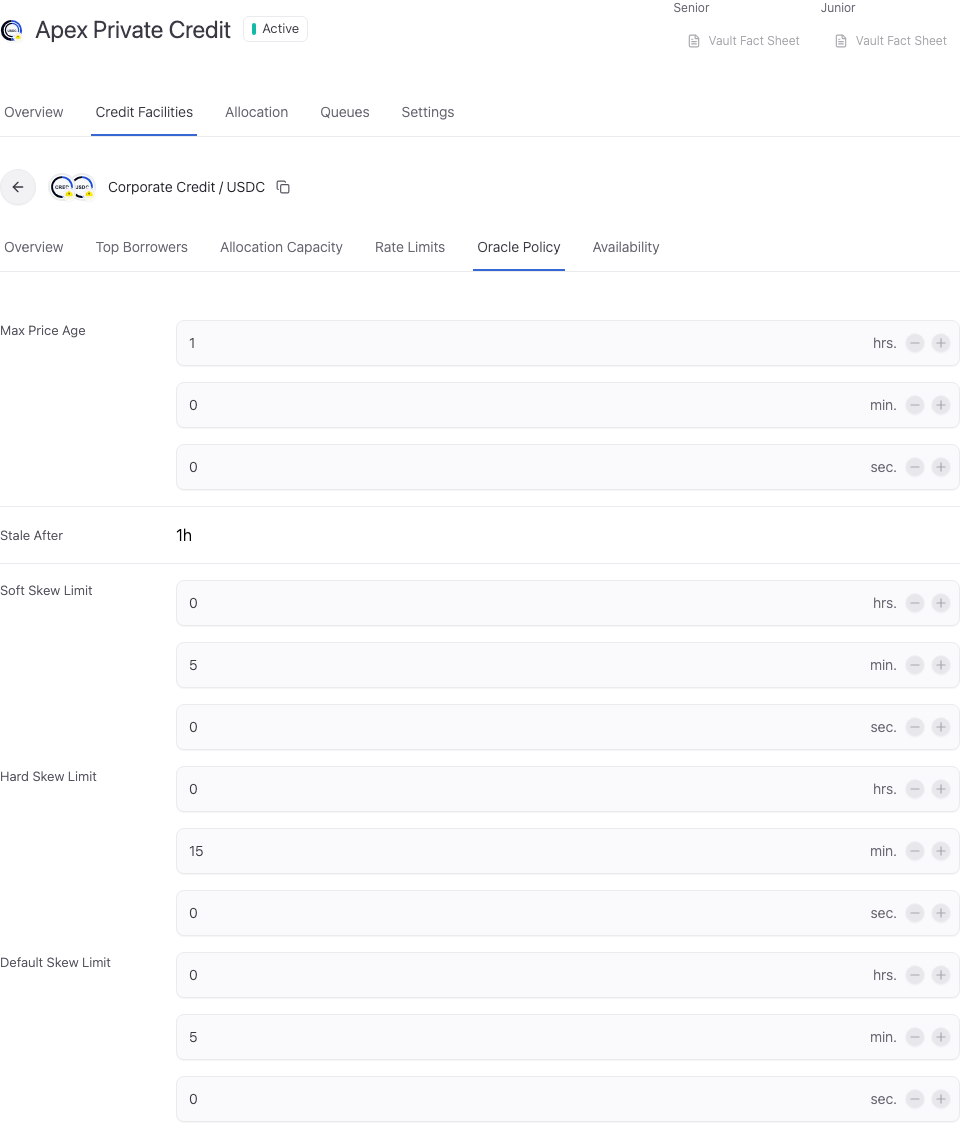
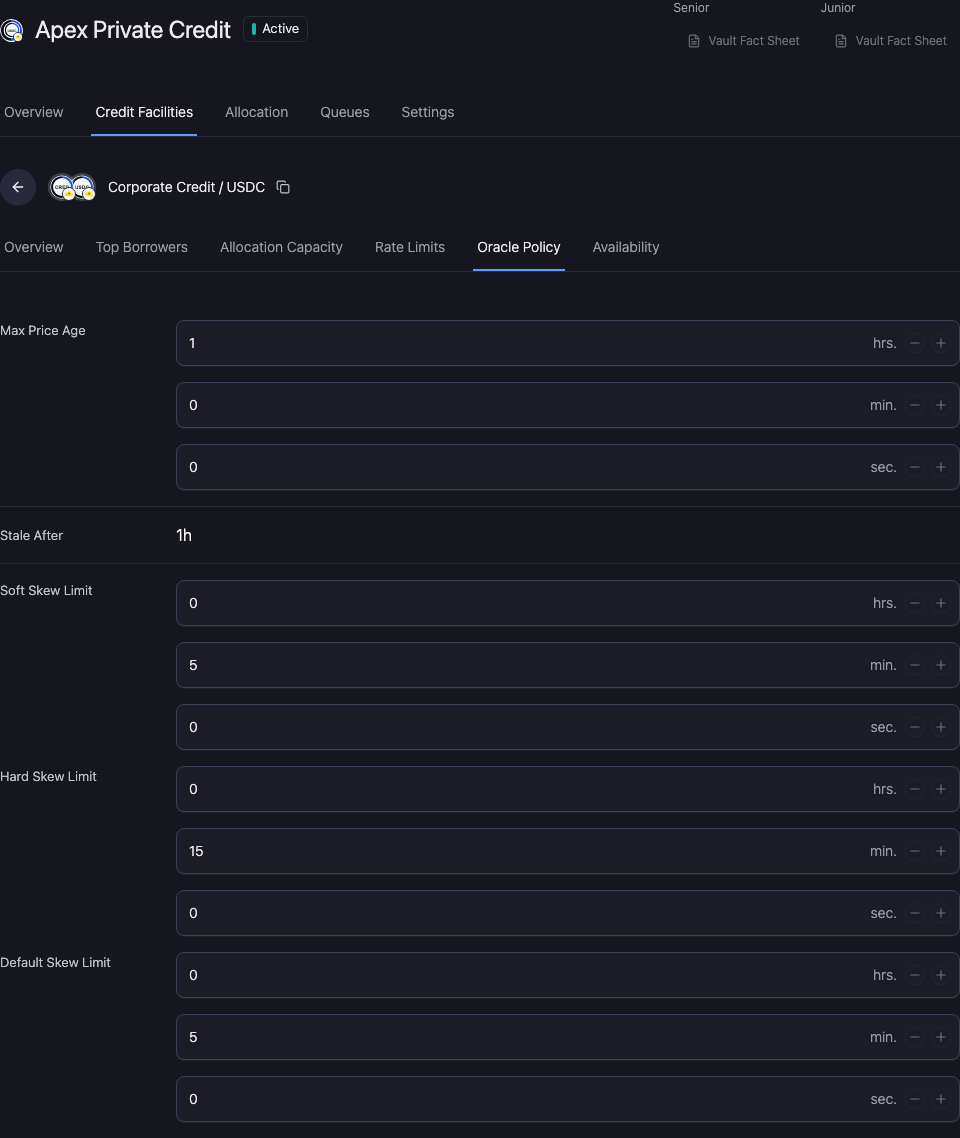
Review the valuation controls
- Max Price Age: maximum age permitted for the relevant price data. Use the duration units shown by the control.
- Soft Skew Limit: the soft staleness/skew duration used by the oracle policy.
- Hard Skew Limit: the hard staleness/skew duration used by the oracle policy.
- Default Skew Limit: the duration for the defaulted-skew threshold; this is not a fallback price.
Where a value is inherited from the selected oracle, follow oracle settings to the owning configuration. Do not treat a read-only inherited value as a facility-local override.
Mark Prices Stale After can use the selected oracle setting or a custom price-data window. The custom path requires a positive duration. Enter time through hrs., min., and sec.; these controls are not percentage-price deviation limits.
Resolve unavailable valuation
Check the asset pair, source freshness, report status, and required reporter quorum. A stale or unavailable valuation can block dependent actions. The protocol uses its selected valuation source when evaluating an action.
Review Oracles and NAV reporting for source configuration and reporting tasks.
Review and verify the change
Open Workspace Update and check the vault, selected facility, changed values, and signing wallet. Metadata-only updates and updates that include an onchain write have different execution steps.
Complete the required approval or wallet action. Wait for the saved value to appear, reopen the same record, and reload. A wallet confirmation alone does not establish the final saved state.
If the saved value has not updated, check the operation status and freshness before resubmitting. Keep the original transaction or request reference to avoid duplicating a pending action.