
 Documentation
Share Mobility
Open Share Mobility
Open Vault → Settings → Share Mobility. The tab is present only when the saved vault exposes a supported share-transfer profile.
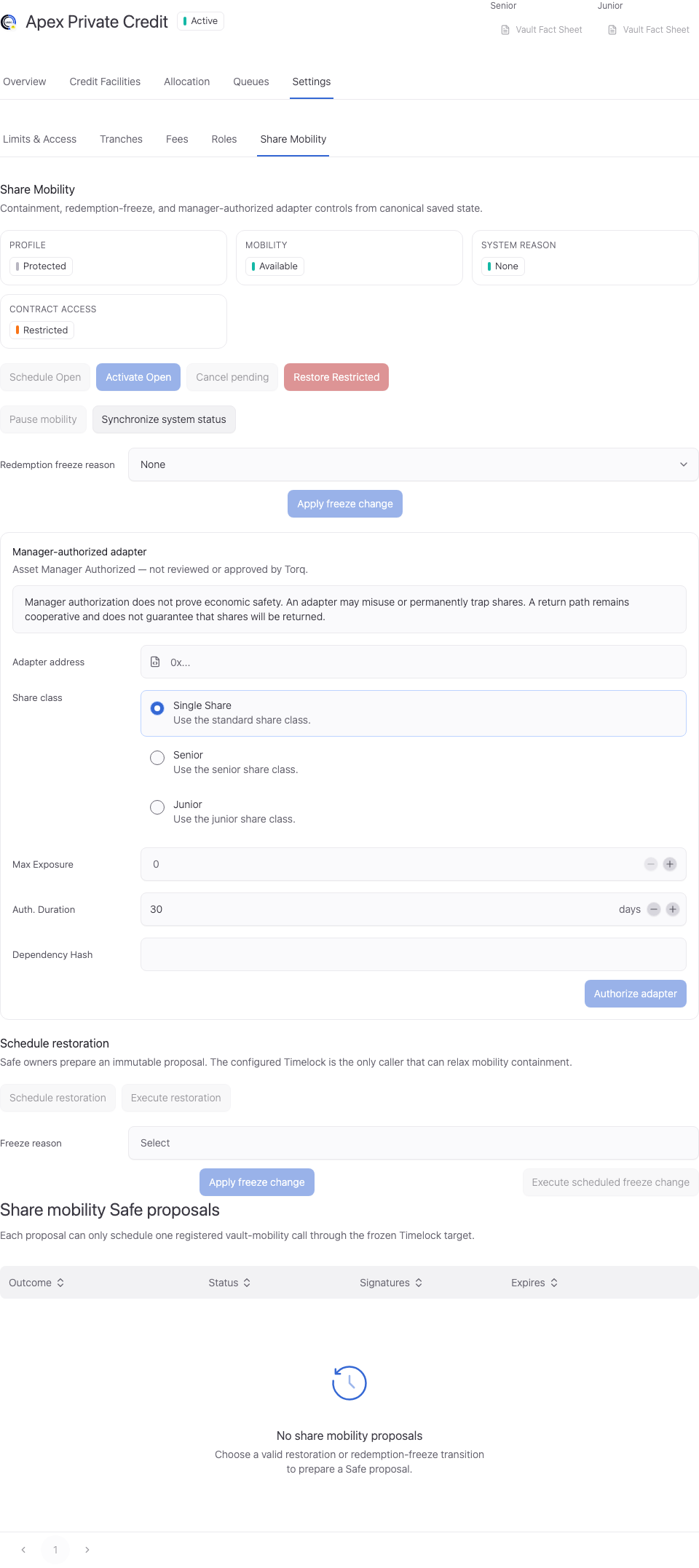
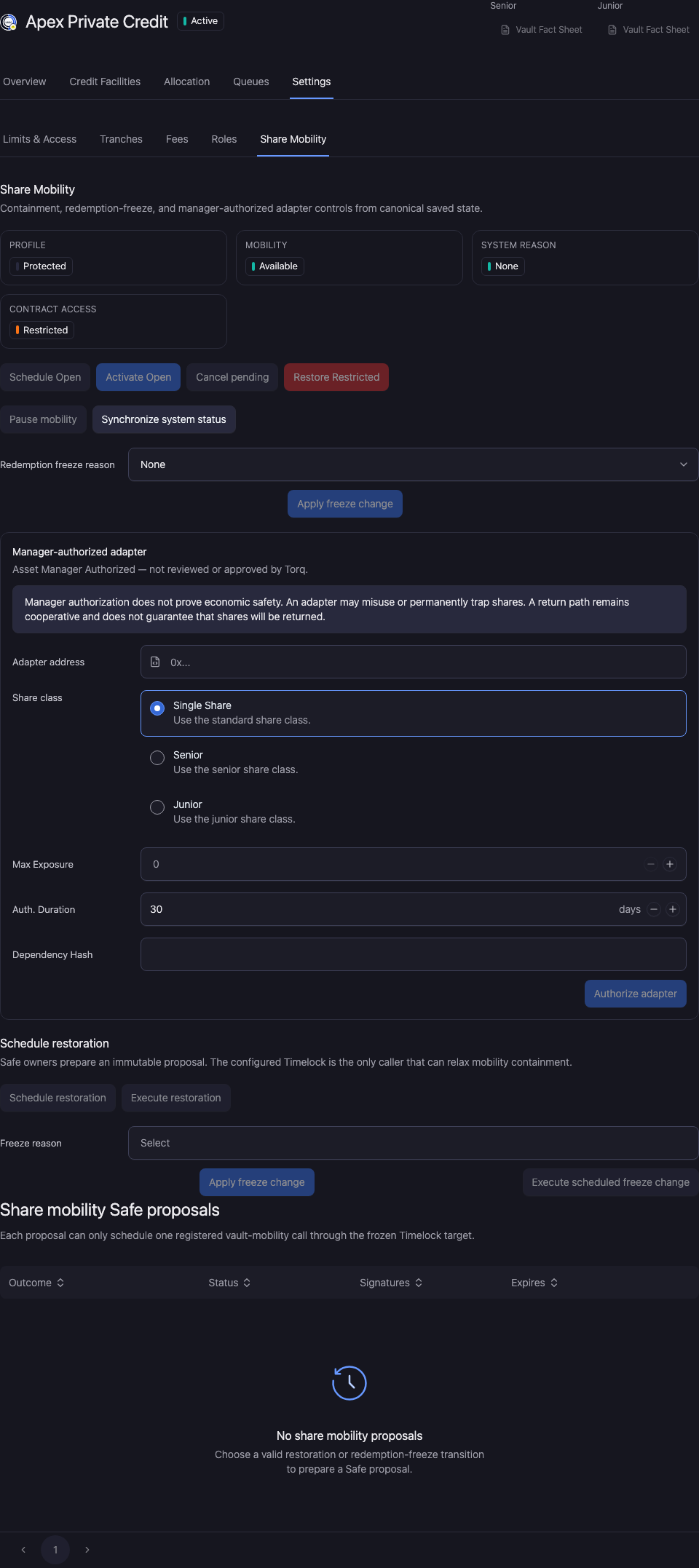
Review the current state
Check the mobility status, containment state, redemption freeze reason, and any scheduled restoration. Unsupported existing vaults retain their existing behavior.
Use Pause mobility, Schedule restoration, Execute restoration, and Synchronize system status only when the current state and your wallet authority allow the action.
Review a redemption freeze
Select the supported freeze reason and review the change. Where the change is scheduled, execution is a separate action after the required delay and current-state checks.
A mobility pause, redemption freeze, and investor withdrawal claim are different objects. Confirm which object the action changes before signing.
Authorize an adapter
Check Adapter address, Share class, Max Exposure, Auth. Duration, and Dependency Hash. The current control requires a deployed adapter address, positive exposure, a 3–180 day authorization duration, and a bytes32 dependency fingerprint.
Manager authorization is not TORQ review or approval of the adapter. An adapter can misuse or permanently trap shares. A cooperative return path does not guarantee that shares return.
Review the fingerprint status and authorization expiry. Restrict exposure to the intended share class and mandate.
Review and verify the change
Open Workspace Update and check the vault, selected facility, changed values, and signing wallet. Metadata-only updates and updates that include an onchain write have different execution steps.
Complete the required approval or wallet action. Wait for the saved value to appear, reopen the same record, and reload. A wallet confirmation alone does not establish the final saved state.
If the saved value has not updated, check the operation status and freshness before resubmitting. Keep the original transaction or request reference to avoid duplicating a pending action.