
Asset ManagerAsset Listing
Asset Listing
Asset Manager manual for asset submissions, token policy, support state, issuer handoff, and valuation readiness.
Asset Listing is the review surface for turning issuer-submitted asset context into governed support state. It covers submission review, token identity, token behavior policy, support status, issuer handoff, and valuation readiness.
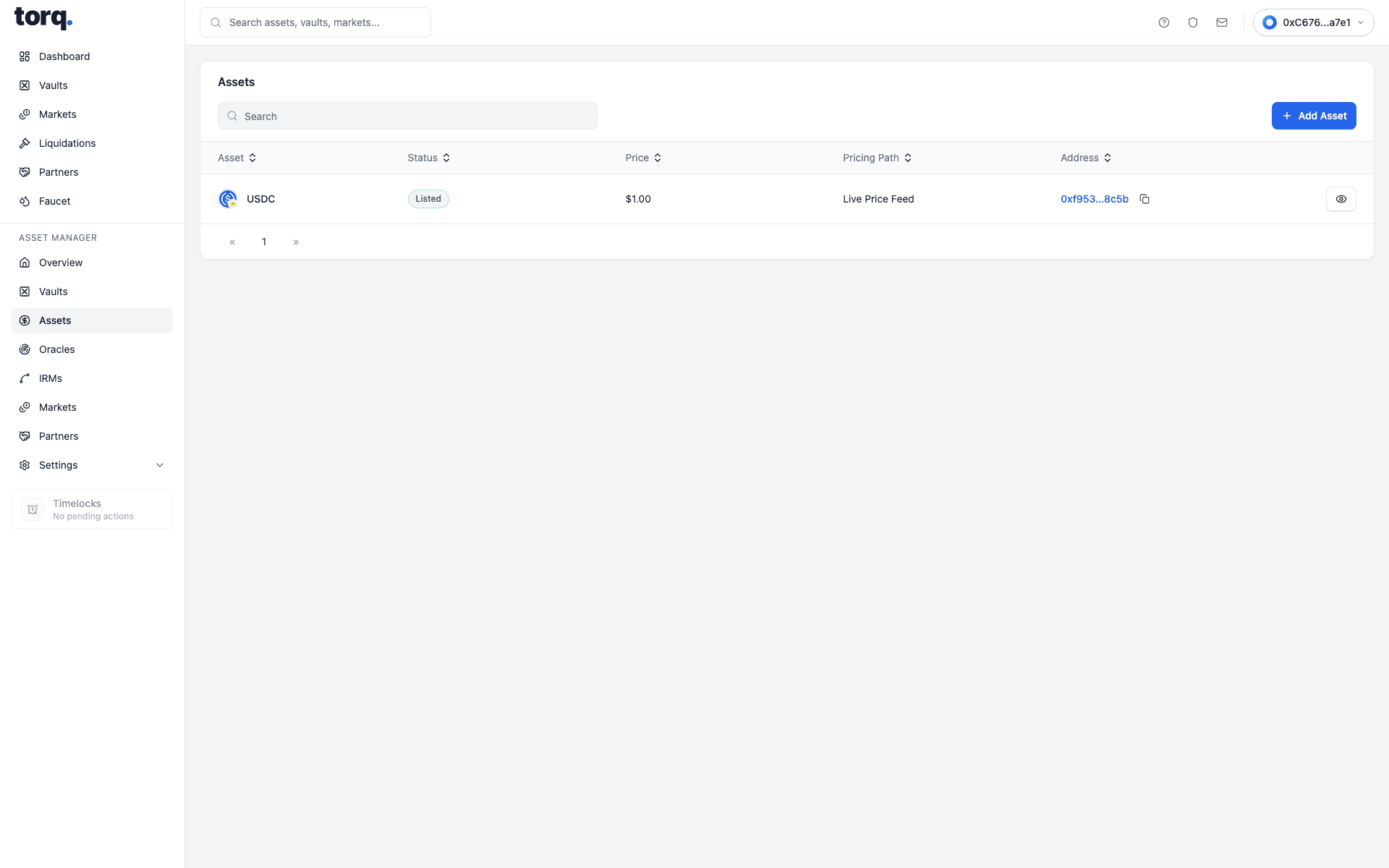
| Visible field | What the user enters or selects | What it is for |
|---|---|---|
Pricing Path | Choose signed NAV or live-feed pricing. | Sets the valuation route for the asset request. |
Cadence | Choose expected cadence for live-feed submissions. | Sets feed freshness expectation. |
Asset Symbol | Enter token or asset symbol. | Sets display symbol and review row symbol. |
Asset Name | Enter full asset name. | Sets display name and submission identity. |
Asset Token Address | Enter token contract address. | Sets token identity. |
Pricing Policy Notes | Enter valuation policy notes. | Adds pricing context to the submission. |
Asset Logo | Upload PNG, JPEG, or WebP logo where supported. | Adds asset branding context. |
Submission Context | Describe freshness, fallback handling, or operational context. | Adds issuer context for review. |
Oracle Provider | Choose an approved oracle/feed provider. | Sets live-feed validation path. |
Oracle Address | Enter feed or oracle address. | Links submission to a feed source. |
Requested NAV Reporters | Select one or more approved NAV reporters. | Routes signed-NAV request to selected reporters. |
Preferred Asset Manager | Choose the manager receiving the handoff. | Sets manager review route. |
Approved Asset Managers | Select allowed manager entities. | Restricts which managers can continue setup. |