
 Documentation
Credit facilities
A credit facility connects a vault's capital to a borrowing market. Its controls are scoped to the selected vault and market; changing one vault's facility does not redefine every funding relationship.
Open the correct facility
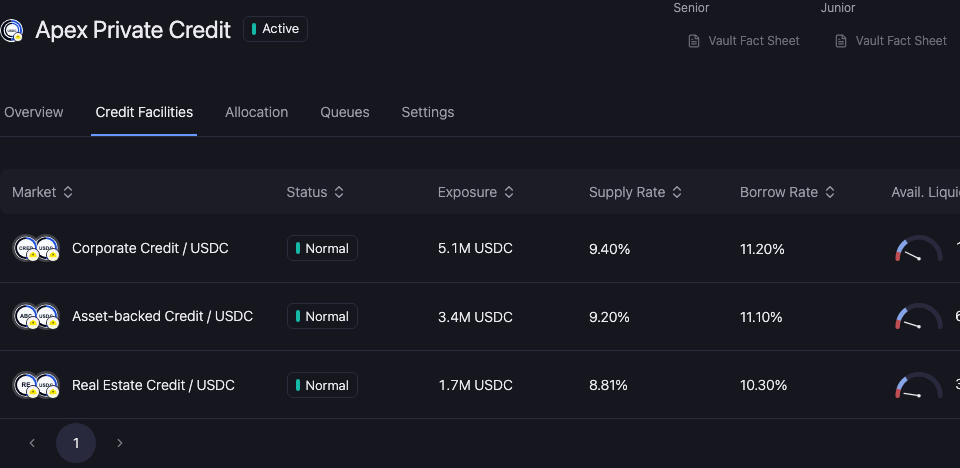
Go to Asset Manager → Vaults → select a vault → Credit Facilities. Check the loan and collateral identities, then open the facility row.
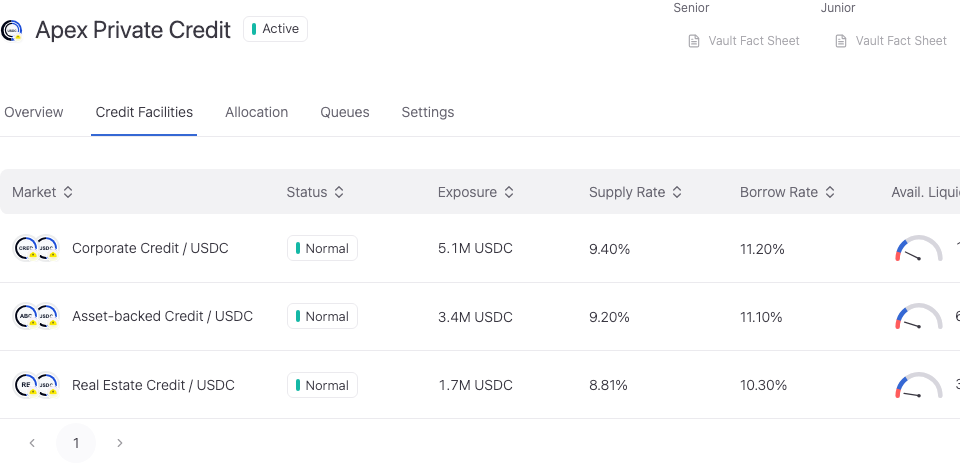
Choose the setting you need

Allocation Capacity
Set the capital envelope and maximum allocation increase per transaction.

Rate Limits
Set transaction and window draw limits, plus conditional withdrawal-rate policy.

Oracle Policy
Review maximum price age and soft, hard, and default skew limits.

Availability
Review enabled state, facility status, and allocation or redemption eligibility.
Monitor the facility
Use Overview to review capital, debt, and utilization. Use Top Borrowers to inspect borrower exposure and open the supported messaging action.
NAV reporter configuration, reporting currency, and asset approval belong to the asset and oracle workflows.
Review and verify the change
Open Workspace Update and check the vault, selected facility, changed values, and signing wallet. Metadata-only updates and updates that include an onchain write have different execution steps.
Complete the required approval or wallet action. Wait for the saved value to appear, reopen the same record, and reload. A wallet confirmation alone does not establish the final saved state.
If the saved value has not updated, check the operation status and freshness before resubmitting. Keep the original transaction or request reference to avoid duplicating a pending action.