
 Documentation
Fees
Open Fees
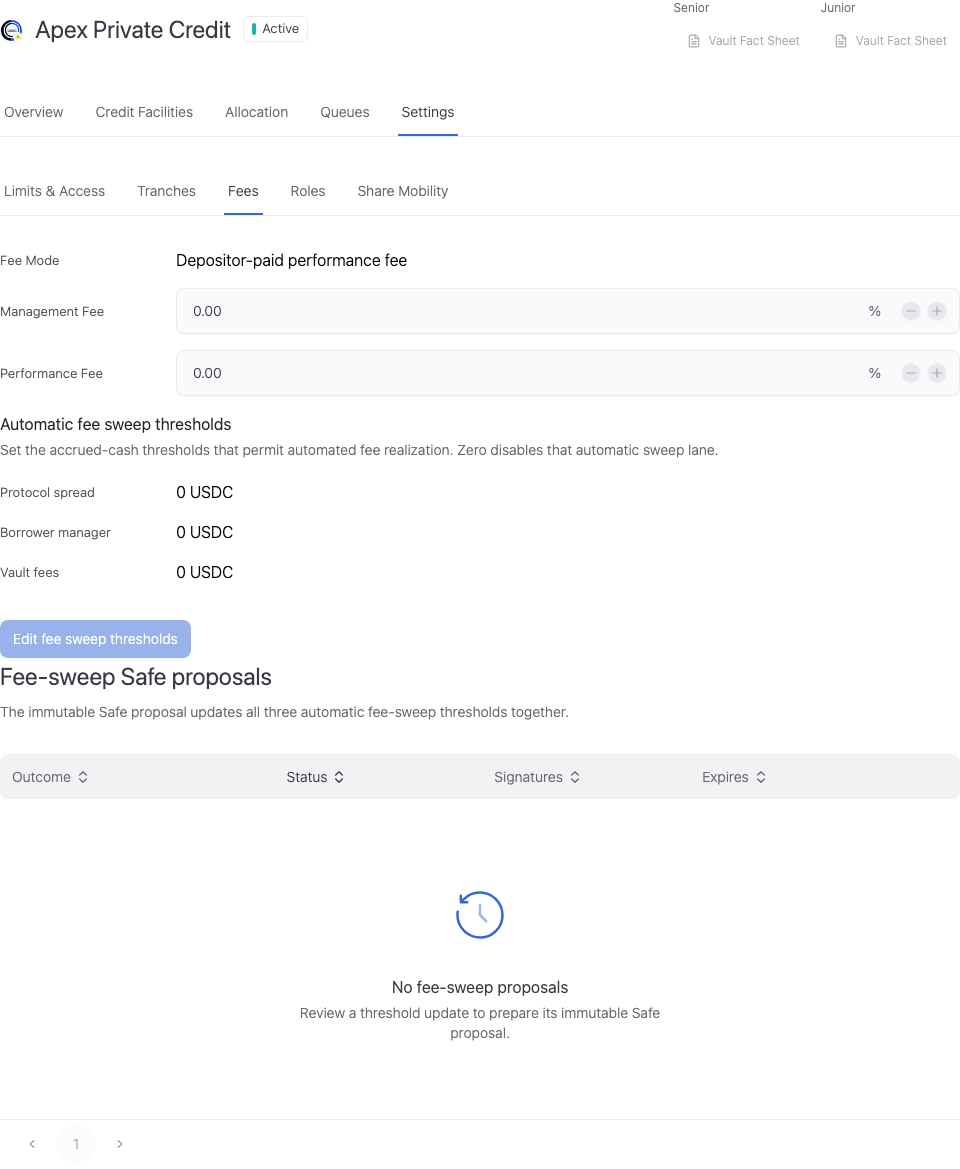
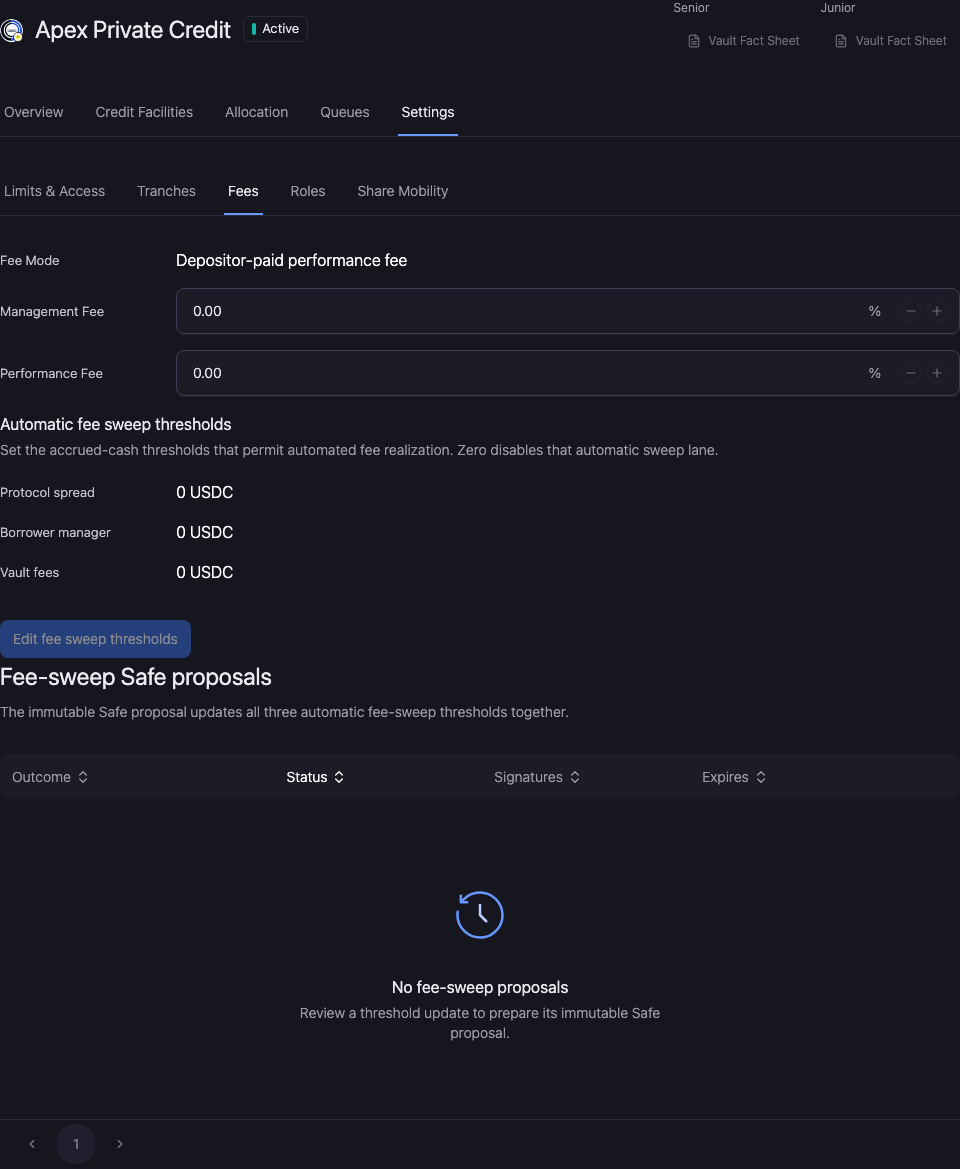
Go to Asset Manager → Vaults → select vault → Settings → Fees.
Make the change
Check the fee mode, recipient, percentages, and automatic sweep thresholds where displayed. The recipient is a payout destination, not configuration authority. A fee setting and cash already accrued are separate records.
Configure vault fee paths, manager spreads, partner splits, and borrower/partner fee context.
Review and verify the change
Open Workspace Update and check the vault, selected facility, changed values, and signing wallet. Metadata-only updates and updates that include an onchain write have different execution steps.
Complete the required approval or wallet action. Wait for the saved value to appear, reopen the same record, and reload. A wallet confirmation alone does not establish the final saved state.
If the saved value has not updated, check the operation status and freshness before resubmitting. Keep the original transaction or request reference to avoid duplicating a pending action.